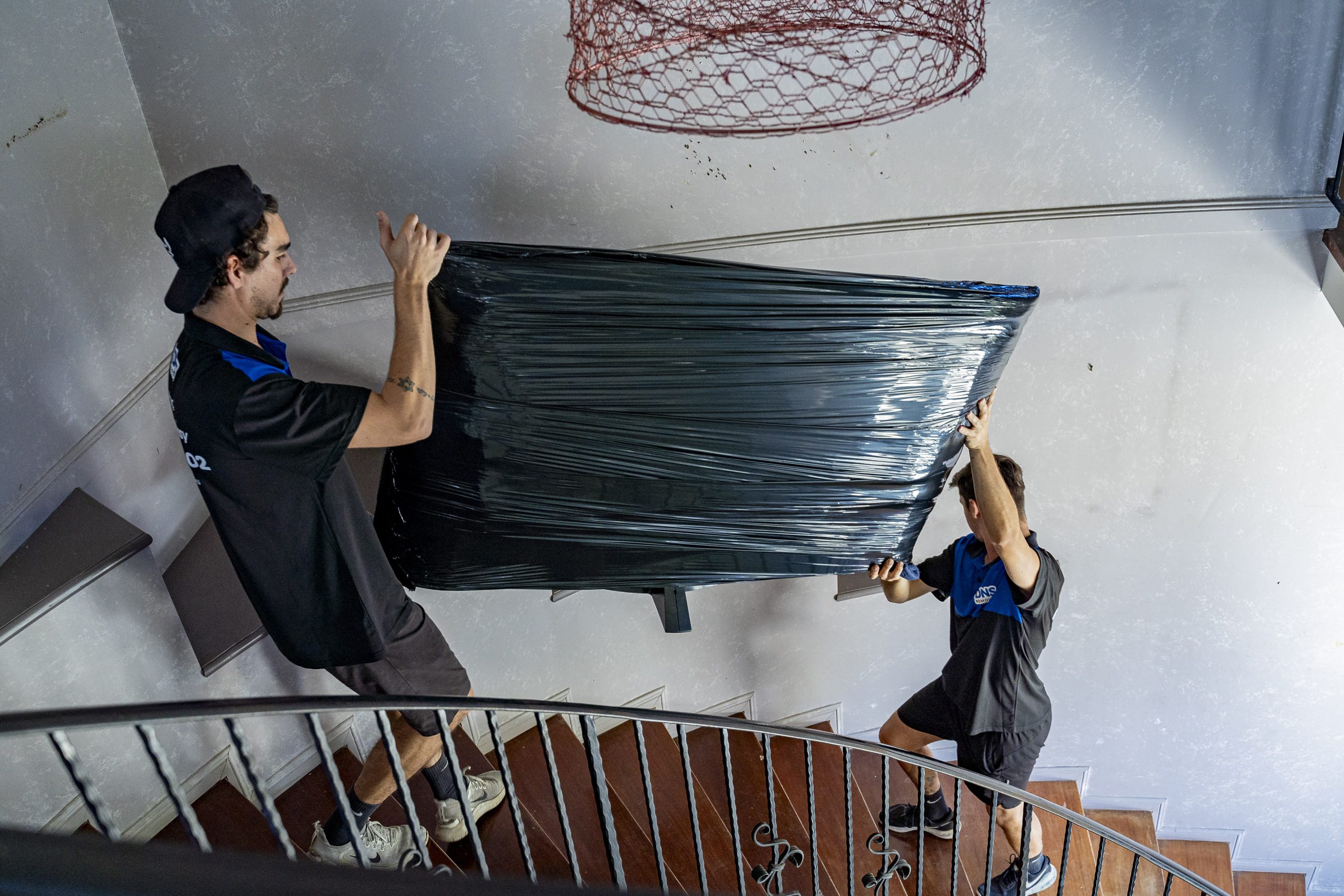
Moving electronic items requires more care than most household belongings. Devices are fragile, sensitive to vibrations, and often expensive to replace. Whether you are preparing a home office, entertainment setup, or everyday gadgets, proper packing makes a significant difference in how safely they reach your new home.
At DNS Removals, we regularly pack and transport electronic equipment for families, students, and businesses in Brisbane. With over 15 years of experience and fully trained, AFRA-accredited movers, we understand how to protect delicate devices from bumps, moisture, and electrical risks during transit. The following guide brings together our best advice for keeping your technology safe throughout your move.
Understanding the Risks When Moving Electronics
Electronic items react poorly to movement, temperature changes, and dust. Devices such as televisions, laptops, gaming consoles, and speakers contain sensitive internal components that can loosen or crack when subjected to sudden pressure. Hard drives can be damaged by impact, while screens are particularly vulnerable to scratches and vibration. Even small accessories like chargers and USB hubs can become misplaced or tangled if not packed properly. Recognising these risks helps you plan and pack each item with the right level of care.

Moving specialists see common issues such as cracked monitor frames, cables lost inside boxes, and devices that overheat because ventilation openings were blocked during transport. Taking slow, organised steps prevents these problems and ensures your setup can be reconnected quickly in your new home.
Preparing Your Electronic Devices Before Packing
Before wrapping anything, it is crucial to complete a few essential tasks. Start by backing up your data, especially on laptops, desktops, tablets, and phones. If a device were damaged in transit, having this backup would reduce stress and potential loss. Completing software shutdowns properly also protects internal hardware components.
Next, disconnect all cables from each device. Take a moment to wipe down vents, screens, and buttons, as dust trapped in packing materials can later cause scratches or block ventilation. Batteries should be removed from remotes, wireless keyboards, cameras, and rechargeable devices where possible. This prevents leakage or overheating during the move.
Finally, take photos of the cable connections at the back of your devices. This simple step saves time when setting everything up again and ensures nothing is plugged in incorrectly after the move. Good preparation always leads to smoother unpacking.
Using the Right Packing Materials for Electronics
Electronics need proper cushioning, moisture protection, and snug placement inside boxes. Original packaging is always the best choice because it is designed to fit each device securely. If this packaging is unavailable, sturdy moving boxes, bubble wrap, soft blankets, and antistatic wrapping materials work exceptionally well. Antistatic materials are beneficial for devices containing circuit boards, such as computers and gaming consoles, because they prevent static discharge from damaging internal components.
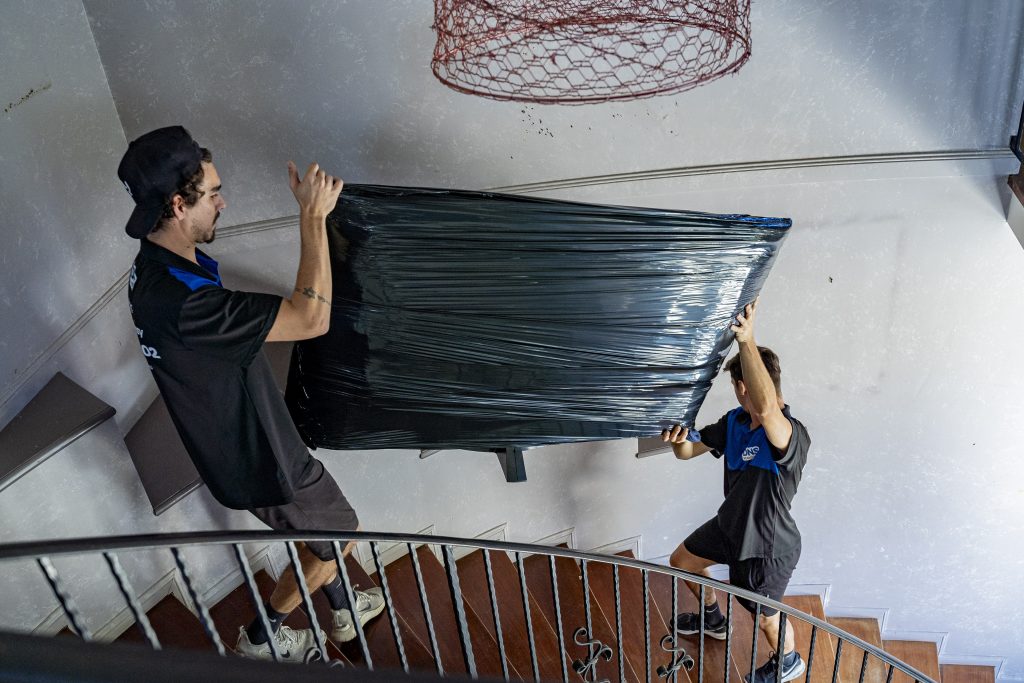
Fill any space inside a box with soft items like towels, packing paper, or foam inserts. Loose items left with too much space can shift, creating pressure on corners or screens. Screens should always be wrapped in soft, non-abrasive padding before adding extra layers of bubble wrap. Keeping moisture out is also essential, so seal boxes carefully and avoid storing electronics on damp floors.
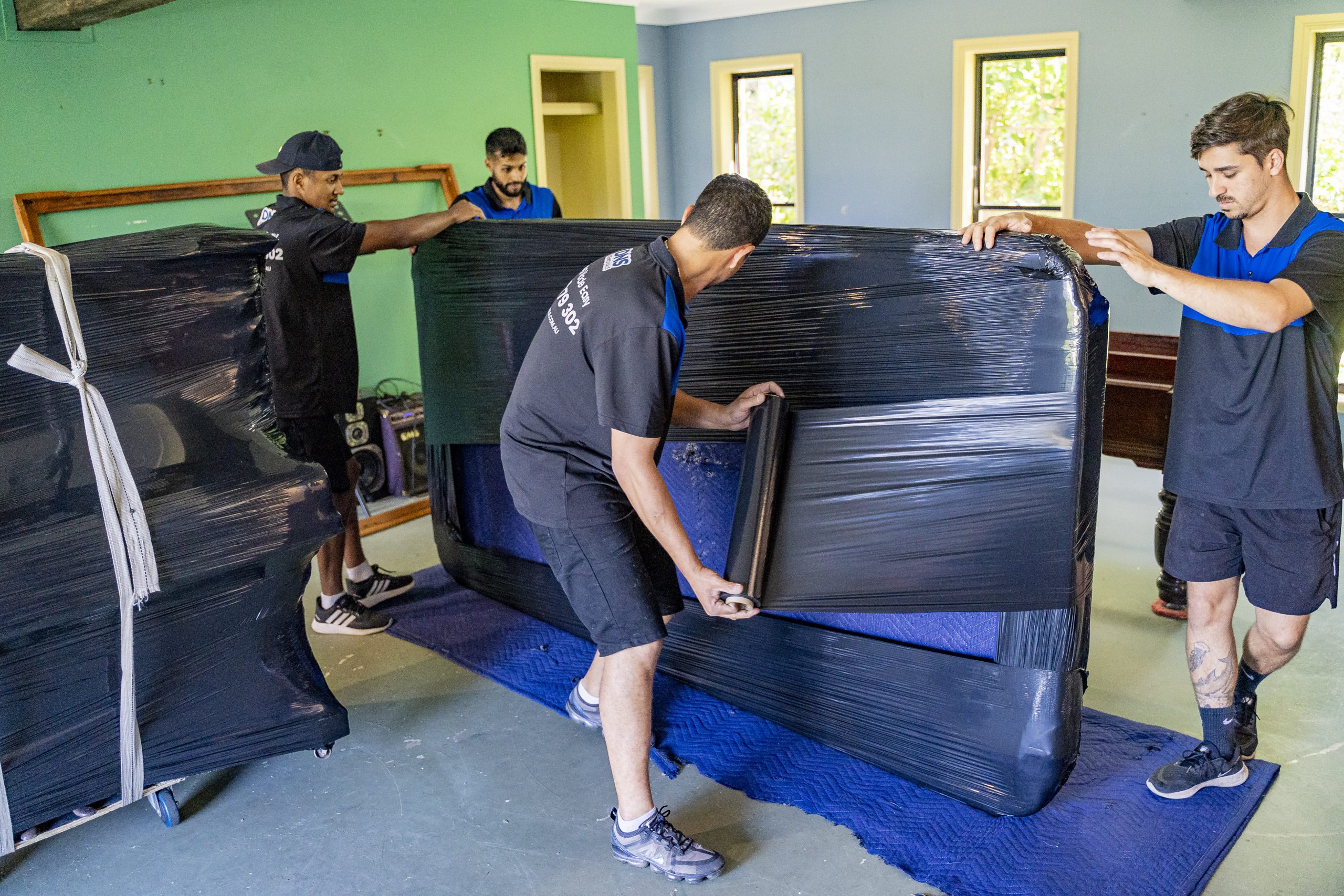
Professional removalists use wrapping techniques that limit movement and cushion shock throughout the journey. DNS Removals uses high-quality packing supplies specifically designed to protect sensitive household items, giving you peace of mind from start to finish.
How to Pack Specific Electronic Items Safely
Different devices require different handling methods. Televisions should always be packed upright, never laid flat, to prevent stress on the screen. Laptops and tablets benefit from rigid sleeves or sturdy folders that add a layer of structural protection before they are placed inside a box.
Desktops require particular care around the tower. Internal components like graphics cards and hard drives are sensitive to vibration, so the tower should be wrapped securely and placed upright with extra padding around the edges. Printers should be emptied of paper, cartridges removed, and loose parts secured. Gaming consoles can be wrapped tightly with cushioning around the ports and top cover.
Small portable electronics such as smart speakers, headphones, and cameras are best packed in individual padded pouches to prevent them from colliding in the box. Keeping similar devices together also helps avoid misplacing accessories. Experienced movers pack each device in a way that limits movement while providing strong exterior protection.
Managing Cables, Accessories, and Components
Cables are easy to lose and even easier to tangle. The best method is to coil each cable gently, secure it with a soft tie, and place it inside a labelled zip-lock bag. Labels such as “TV Cables,” “Computer Accessories,” or “Living Room Power Boards” make setting up your new home far more efficient.
Delicate components such as remotes, external hard drives, USB hubs, and chargers should be kept with their matching device whenever possible. This reduces guesswork during unpacking and keeps everything organised. Devices with multiple components, such as sound systems, benefit from grouping each speaker and accessory in clearly marked pouches.
For extra efficiency, place all accessory bags in a single box labelled “Electronics Accessories, Open First.” Professional movers commonly use this strategy to ensure essential items are easy to find immediately after the move.
Unpacking and Setting Up Electronics in Your New Home
Once you arrive at your new property, allow electronics to acclimate to the indoor temperature before turning them on. This is particularly important in Brisbane’s humid climate, where condensation can form inside devices that have travelled in air-conditioned trucks. Waiting just an hour or two helps avoid internal moisture problems.
Unpack carefully, starting with your labelled accessories box. Reconnect items using the photos you took before the move, ensuring all cables are plugged into their original ports. Inspect screens, frames, and plugs for damage before switching anything on. If you use removalists with insurance and professional packing practices, issues are rare, but checking provides extra assurance.
Taking the time to unpack methodically also reduces the risk of misplacing smaller components and helps you re-establish your home office, entertainment setup, or study space more smoothly.
Conclusion
Packing electronic items well is the key to ensuring they arrive safely and function perfectly in your new home. With careful preparation, quality materials, and the proper packing techniques, you protect your devices from damage and make your unpacking process far easier. If you prefer professional assistance, DNS Removals offers expert packing and moving services across Brisbane, providing peace of mind every step.






![How Much Do Removalists Cost in Brisbane? [2025 Pricing Guide]](https://dnsremovals.com.au/wp-content/uploads/2024/11/DSN-Removals-20-scaled.jpg "How Much Do Removalists Cost in Brisbane? [2025 Pricing Guide]")